
5 Best Zoom WordPress Plugins for Online Meetings in 2026
Now, simple static meeting links usage is over. If you are doing remote work or managing a remote team, virtual events like meetings or webinars, or online courses are now solidifying their dominance in 2026. This is why the essentiality of the best Zoom WordPress plugins is important for a variety of customers to transform their WordPress site into a fully automated, revenue-generating, and easily manageable place.
Your WordPress dashboard will let you know about your online event scheduling, booking management, and direct online event hosting, all from one place and one click away. So here you will get the 5 best WordPress Zoom plugins for online meetings in 2026.
This essential guide features tools that handle everything from automated scheduling and monetization via e-commerce to complex workflow automation, ensuring you stay compliant and offer a professional, seamless experience to every client and attendee.
Best Zoom WordPress Plugin: Choose By Business Goal
Your selection of the best WordPress Zoom plugin for online meetings depends on your personal or business needs. Suppose your main business is coaching, consulting, or selling time slots like a hair salon or therapist, you need a plugin built for scheduling.
The plugin must create a unique Zoom link for every single booking automatically, handle staff availability, and send reminders to stop no-shows. It manages all the complex time-keeping for you. A simple form plugin or an event calendar. They cannot manage the one-on-one time conflicts that your business depends on.
But if your goal is to sell tickets for a large scheduled Zoom event, the best choice would be a Zoom event management solution that will help you run big workshops, weekly webinars, or large-scale virtual conferences. You need a tool that focuses on promotion and ticketing. The plugin should be focused on calendars and ticketing, often connecting to WooCommerce to sell seats.
It needs to handle recurring events easily, display professional event pages, and manage who can see the join link after they buy a ticket. You shouldn’t pick a simple booking plugin. That is built for one-on-one time, not for selling 100 or 1,000 tickets to a single session.
Next, if your goal is to automate registration or simple meeting sales, then your best choice is a comprehensive meeting plugin. If your priority is simplicity, selling meetings directly, or using free webinars to build an email list. A tool that gives you a dedicated area in your WordPress dashboard to control your Zoom settings.
It should easily connect to WooCommerce so you can sell your meetings as a product, or it should connect to your forms to automatically register new leads as Zoom attendees.
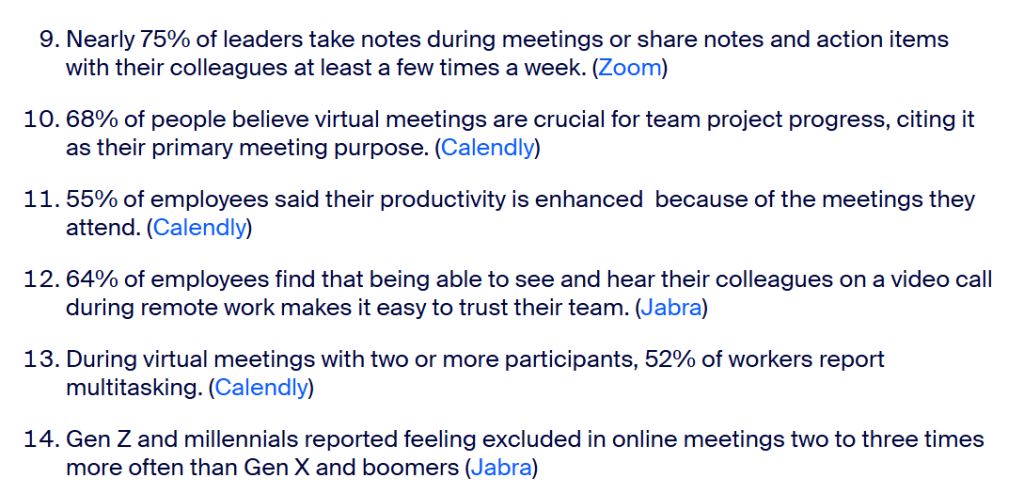
Moreover, you should pick a meeting plugin if you need the WordPress dashboard to manage the Zoom meeting itself. Suppose you choose a form plugin, if you mostly care about collecting the signup data before sending the user to Zoom.
If you want to manage online Zoom events, sell your online events, create recurring events, pull data from your Google Calendar, and sync events and manage all these things directly from your WordPress dashboard, then an all-in-one Zoom meeting plugin should be your ultimate solution.
Got connected? Then the next section is only for you, it will help you choose the best Zoom WordPress plugin to organize your online meetings in 2026 and beyond without any hassle. Let’s dig deep below!
Get 5 Best Zoom WordPress Plugins For Online Meetings in 2026
Let’s check out all 5 most useful Zoom meeting plugins below that will help you analyze which one would be best for you as an individual or professional.
1. eRoom Best Zoom WordPress Plugin for Online Meetings

eRoom is the all-in-one solution that seamlessly embeds your virtual world directly into your WordPress website. eRoom is designed for educators, consultants, and remote businesses. eRoom gives you full control over your Zoom meetings and webinars from your WordPress admin panel.
Also, if you want to schedule a live training session, sell exclusive webinar access through WooCommerce, or host a global team meeting, you also have that advanced option. This is all while driving traffic and engagement directly on your site, with exclusive Google Meet and Microsoft Teams support.
eRoom ensures you have the ultimate flexibility to host professional, high-definition online events, turning your website into a powerful collaboration and revenue center for your business.
eRoom Key Features
- Direct Zoom API integration to manage your Zoom meetings, webinars, and users entirely from your WordPress dashboard
- Display to embed meetings onto any page or post using shortcodes, complete with a countdown timer for attendees
- User & report management to access an admin area to manage users and view essential Zoom performance and engagement reports
- Calendar synchronization that will help to export meeting details to Google Calendar and iCal to ensure participants never miss a session
- Flexible access facility for Attendees to join meetings directly through their browser or the native Zoom application
- Multi-platform support to expand beyond Zoom with seamless integration for both Google Meet and Microsoft Teams for planning and hosting video conferences in advance
- Purchaseable meetings addon allows you to sell access to your webinars and video consultations as standard WooCommerce products.
- Recurring events facilitate customers to schedule and manage recurring meetings and webinars, using the same meeting ID for consistency. This is ideal for weekly classes or team check-ins.
- Enhanced security features for approving or blocking entry for users from specific countries/regions are available.
- Help you get insightful online meeting statistics to let customers or businesses have full control over their monthly online event data.
eRoom Best For?
eRoom would be suitable for those Zoom WordPress plugin users who need an all-in-one, single, centralized plugin for running and monetizing virtual meetings across multiple platforms. For instance, educational institutions that want to host virtual lectures, online training, and seminars.
Other than that, consulting firms are involved in scheduling and selling one-on-one virtual consultations. Also completely compatible for remote businesses to manage team meetings, collaboration sessions, and technical support.
eRoom Pricing Plans
Free: Core features and basic meeting management
Premium Plans: Start annual pricing $2.5 – $12.5, with a lifetime deal starting at $84 – $449
2. WPForms
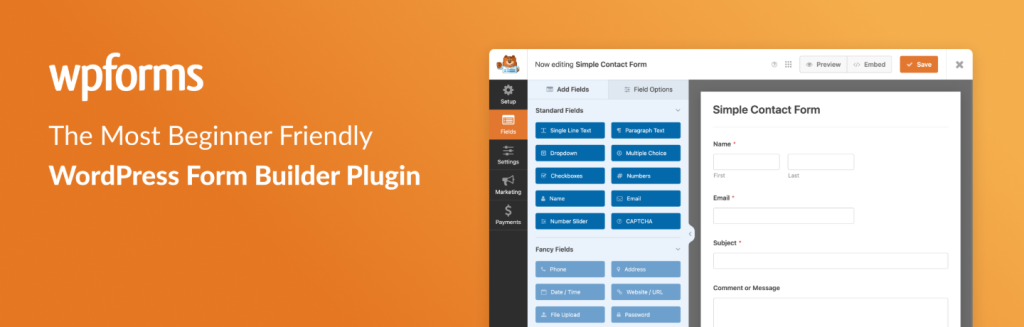
WPForms is the most user-friendly drag-and-drop form builder for WordPress. It is used as a crucial bridge for capturing leads and registering automatically for Zoom events via powerful workflow addons.
WPForms Best For?
WPForms can be used for lead generation and marketing-focused sites that need to automatically register users for Zoom after filling out a contact, signup, or payment form. So whoever is looking to collect Zoom leads, contacts, a signup, or a payment solution.
WPForms Key Features
- Automatically register users for a specific Zoom meeting or webinar upon form submission via Uncanny Automator or Zapier integrations.
- Accept payments directly through the form (Stripe, PayPal) before registering the user for the meeting.
- Only send users to Zoom registration if specific form criteria are met.
- Help on creating custom registration forms that handle both the WP user creation and Zoom registration.
WPForms Pricing Plans
Free: Basic form building
Premium: Pricing starts with $49 – $179, typically required for the addons and integrations necessary to connect with Zoom via automation tools
3. Amelia
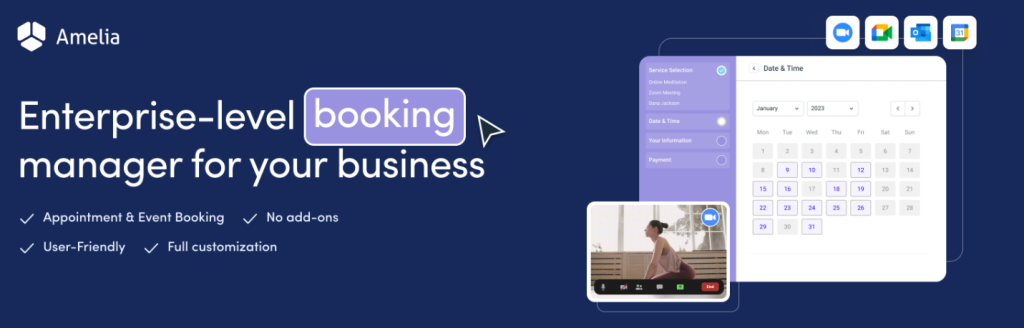
Amelia is a premium, feature-rich appointment and event booking plugin designed to automate service scheduling for companies with staff, locations, and customizable service offerings. It powerfully integrates with Zoom to manage online event booking with automation.
Amelia Best For?
Amelia is best suited for service-based businesses (coaching, consulting, fitness, tutoring) that require automated appointment booking with real-time Zoom meeting creation.
Amelia Key Features
- Automatically generates a unique Zoom link when an appointment is booked
- Full support for multiple employees, services, and physical/virtual locations
- Automated email/SMS/WhatsApp reminders containing the Zoom link dramatically reduce no-shows
- Two-way sync with Google Calendar and Outlook to prevent double-bookings and more
Amelia Pricing Plans
Free: Available with limited plans
Premium Only: Pricing plans start with Annual $39 – $319 per year and Lifetime with $199 – $599.
4. The Events Calendar

The Events Calendar plugin is standard for managing events on WordPress. You can use its Virtual Events Addon to turn scheduled events into professional, ticketed, and trackable Zoom meetings or webinars.
The Events Calendar Best For?
The Events Calendar can be used for organizations focused on virtual or hybrid events that require a robust event management system paired with ticketing, calendar views, and attendee tracking.
The Events Calendar Key Features
- Sell tickets and manage RSVPs for virtual events using the Event Tickets Plus addon with WooCommerce.
- Dedicated fields and settings to link any event to a Zoom meeting or Google Meet room.
- Multiple calendar views (Month, List, Day, Photo) to elegantly display virtual event schedules.
- Easily set up and manage recurring weekly webinars or classes with a single interface.
The Events Calendar Pricing Plans
Free: Basic event management.
Premium Plans: Pricing starts at around $104 – $699 site-wise per year.
5. Uncanny Automator
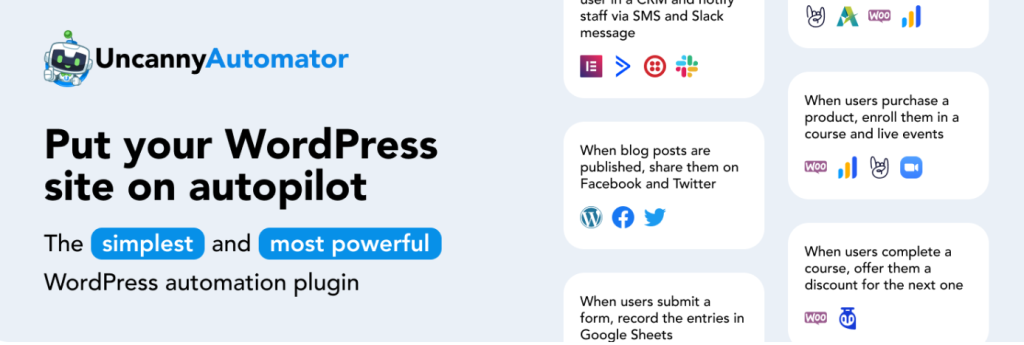
Uncanny Automator plugin allows you to create no-code automation workflows “recipes” between Zoom and virtually any other plugin installed on your site. You can automate your WordPress site with no code and build automations in minutes. It can connect your WordPress plugins, sites, and apps using billions of recipe combinations.
Uncanny Automator Best For?
Uncanny Automator can be used for advanced users like Zoom, e-learning sites (LMS), and membership sites that need seamless, multi-step automation without custom code.
Uncanny Automator Key Features
- Connect Zoom with LearnDash, MemberPress, WooCommerce, and 150+ other apps
- Automatically register students for a Zoom meeting upon course enrollment or completion
- Grant access to a webinar only after a specific membership level is purchased, and more
Uncanny Automator Pricing Plans
Free: Basic recipes connecting core WordPress functionality
Premium Plans: Pricing starts around $149 – $299 per year for the Pro version.
Now Choose the Best Zoom WordPress Plugin For Your Business
| Plugin Name | Best Use Case | Monetization Support | Dashboard Management |
|---|---|---|---|
| eRoom | All-in-one solution, Multi-platform, paid events | High (WooCommerce) | Excellent |
| WPForms | Automated Zoom Registration & Lead Capture | High (via built-in Payment Addons like Stripe/PayPal) | Excellent (Form Entry & Lead Data) |
| Amelia | Appointment/Staff Booking | Medium (via booking) | Excellent |
| The Events Calendar | Recurring large events | High (Ticketing) | Good (Event-centric) |
| Uncanny Automator | Workflow automation | Excellent (Connects sales to Zoom) | N/A (Automation tool) |
Your 2026 Zoom WordPress Plugin For Online Meetings Action Plan
The key takeaway for your business in 2026 is that automation and specialization are essential, and the best Zoom WordPress plugin for online meetings is the one perfectly aligned with your primary business goal.
To transform your WordPress site into a professional, revenue-generating events hub, consider this final breakdown:
- If you need all-in-one control, multi-platform support (Google Meet/Teams), and deep WooCommerce monetization, eRoom is your centralized hub.
- For service-based businesses managing automated one-on-one appointments, staff, and no-show reminders, the choice is Amelia.
- If your focus is on selling tickets for large, recurring virtual workshops and conferences, use The Events Calendar with its ticketing addons.
- If your main priority is lead capture and registering new form submissions (contacts or payments) for Zoom events, integrate with WPForms.
- For complex, multi-step automation connecting Zoom to your LMS or membership plugins, like enrolling students, leverage Uncanny Automator.
Review the comparison table one last time, pick your perfect fit, and take the final step toward a fully automated, seamlessly managed online business with the best Zoom WordPress plugin. Enjoy!